How to Clean Xbox One X Air Vents Safely
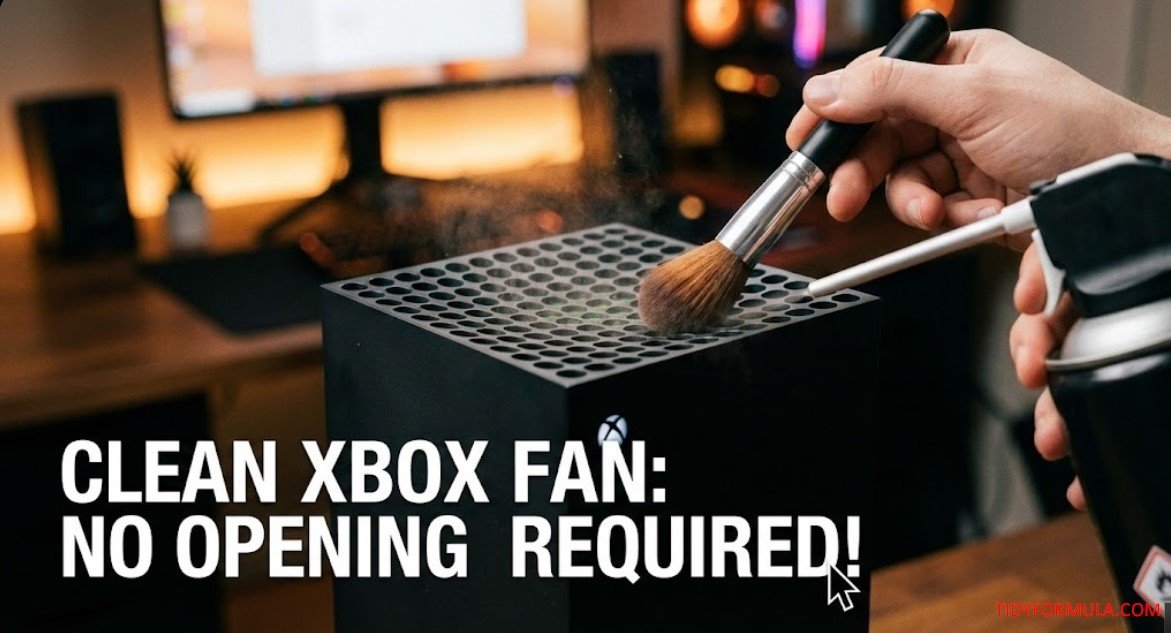
To clean Xbox One X air vents, shut the console down completely, unplug it, and remove surface dust from the top and side vent openings with a dry soft brush and gentle external vacuum suction. Compressed air can help with stubborn dust if used in short, upright bursts at a shallow angle, without inserting the nozzle into the vents or letting the fan spin rapidly.
This exterior method also works as a way to clean the Xbox One X fan without opening the case, but it only reaches the outer grille and the fan blades visible through it — not the internal heat sink or the far side of the fan assembly.
The Quick Answer
The safest approach: Turn off and unplug the Xbox One X, loosen exterior dust with a dry soft brush, and hold a vacuum nozzle just outside the vents to collect it. If dust remains, use short, controlled bursts of canned air at a shallow angle.
- The tools: Soft brush, microfiber cloth, vacuum with a brush attachment, cotton swabs, and optional compressed air.
- Time: Roughly 10–20 minutes, plus drying time if you use a damp swab.
- Limitation: This is exterior maintenance for the vents you can see and reach, not a substitute for opening the console.
Before You Clean the Xbox One X Vents
Perform a full shutdown rather than leaving the console in sleep or instant-on mode. Unplug the power cable, HDMI cable, and any external storage or accessories. If the Xbox has been running, let it cool to room temperature before you start.
Place the console on a clean, stable, hard surface with enough room to reach the top and sides. Avoid cleaning it on carpet, bedding, or another surface that sheds fibers into the vents.
What I Use For This Job
Using the right tools saves time and protects your belongings. Here are my exact recommendations:
*As an Amazon Associate, TidyFormula earns from qualifying purchases.
Before assuming dust is the cause of noise, listen to where the sound comes from. A steady rush of air during a demanding game can be normal. Grinding, clicking, scraping, or rattling suggests a mechanical issue that exterior cleaning is unlikely to fix.
What You’ll Need
- A clean, soft brush: A detailing brush, clean paintbrush, or a vacuum brush attachment with flexible bristles.
- A vacuum with a soft brush attachment: Used only outside the console to collect loosened dust.
- A dry microfiber cloth: For the exterior plastic panels.
- Compressed air: Optional, for dust a brush and external suction can’t release.
- Cotton swabs: For the edges of individual vent openings.
- Isopropyl alcohol at 70% or less: Optional, for greasy residue on the exterior plastic only.
Why This Method Works
The Xbox One X draws in cooling air through its side and bottom vents and releases warm air mainly through the vents on the top panel. Dust sitting across any of these openings restricts airflow. A soft brush loosens debris at the surface of the grille while nearby suction collects it instead of pushing it farther inside.
External cleaning can’t reach every internal surface. If dust doesn’t release easily with a brush and gentle suction, stop rather than forcing a tool or high-pressure air through the grille — that carries more risk than leaving stubborn internal dust for a qualified repair technician.
Step 1: Wipe the Exterior Before the Vents
Wipe the top, sides, and back with a clean, dry microfiber cloth. This keeps loose surface dust from falling into the vent openings while you work on them.
If the exterior has a greasy mark, lightly dampen the cloth rather than spraying the console directly. Keep moisture away from vents, ports, buttons, seams, and cable sockets.
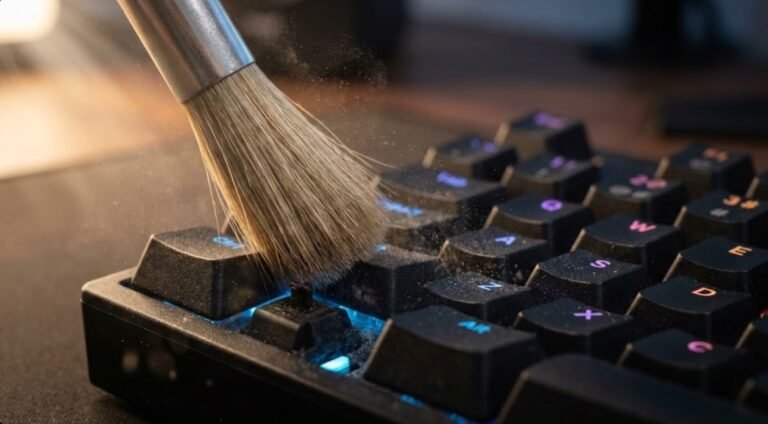
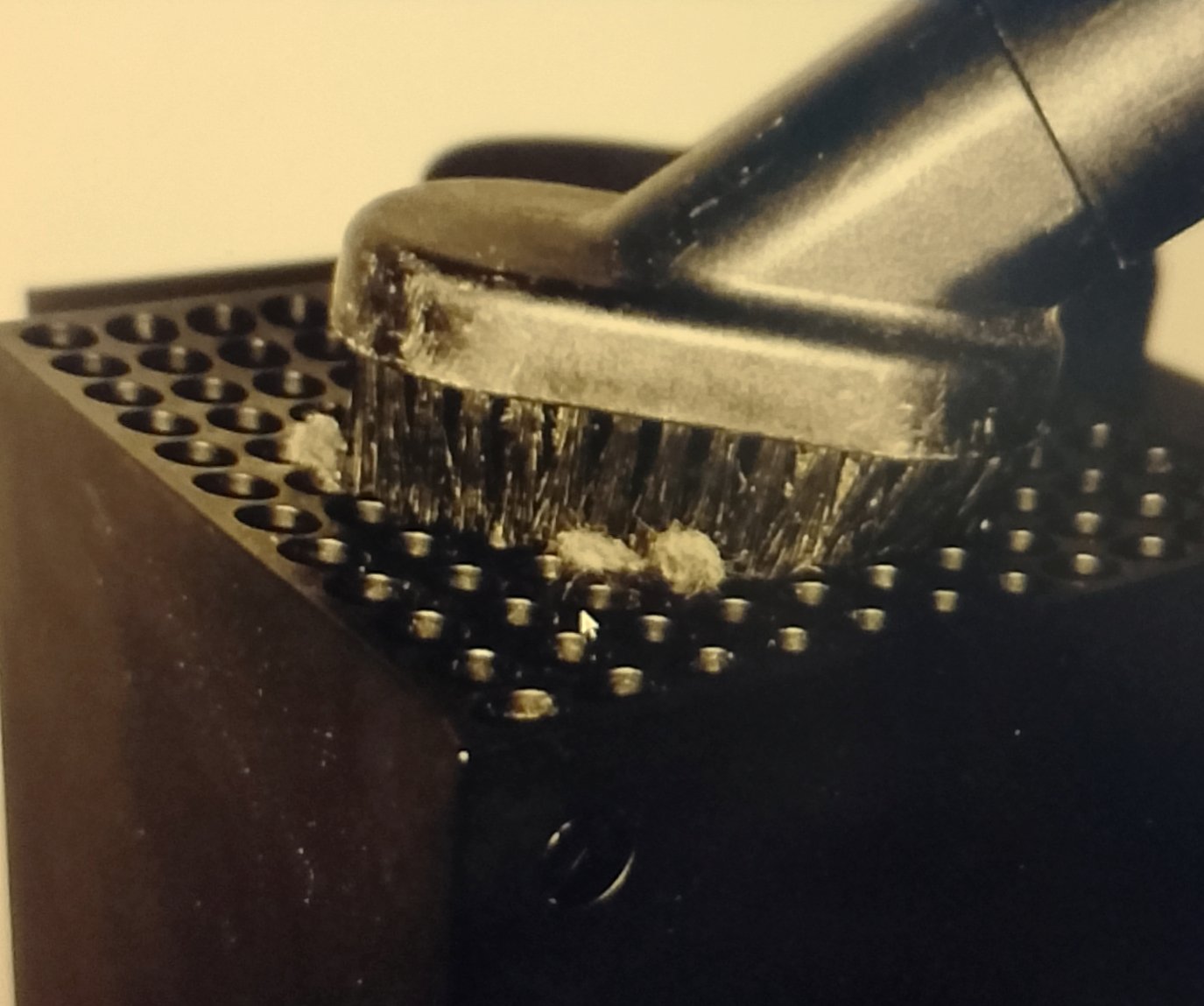
Step 2: Clean Xbox One X Vents With a Brush and Vacuum
Work on the top vents first, then the side and bottom openings.
- Use the soft brush to loosen dust from the edges of each vent.
- Hold the vacuum brush or nozzle just outside the opening so it catches the released debris.
- Move slowly across the vents instead of sealing the nozzle tightly against the console.
- Rotate the unplugged console carefully as needed, supporting it with both hands.
If your vacuum has adjustable suction, use a low setting. Don’t push the bristles, nozzle, or any attachment through a vent hole. Keeping the vacuum outside the console also reduces the risk of scratching the grille or contacting anything inside.
Step 3: Use Compressed Air Only for Stubborn Dust
Compressed air is optional. A brush and gentle external suction are the lower-risk choice for routine dust cleaning.
If visible debris remains after brushing and vacuuming:
- Keep the can upright to reduce the chance of releasing liquid propellant.
- Hold the nozzle outside the vent rather than inserting it into a hole.
- Aim at a shallow angle across the grille to dislodge dust near the opening.
- Use short taps instead of one continuous blast.
- Keep a vacuum nozzle nearby to collect dust as it exits, without sealing it against the vent.
Don’t shake or tilt the can while spraying. If it becomes very cold, pause and let it warm naturally. If any liquid comes out, stop immediately and leave the console unplugged until every surface is completely dry.
Step 4: Clean the Vent-Hole Edges
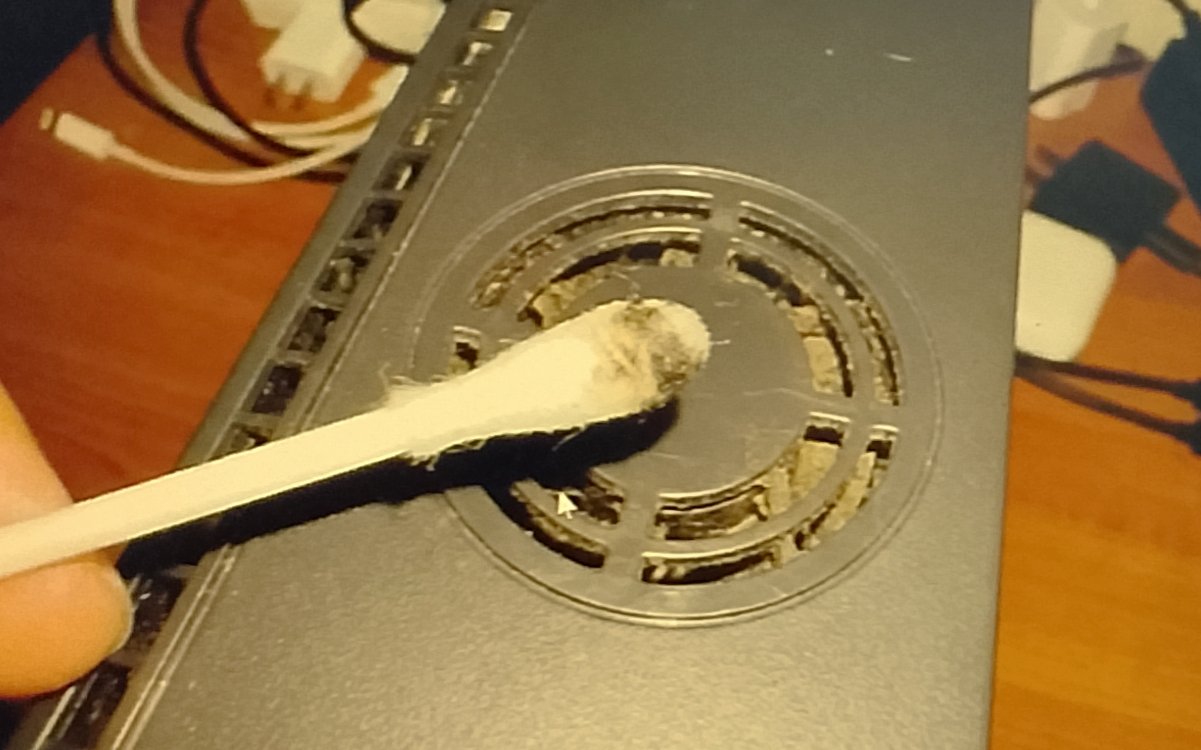
Use a dry cotton swab first. Roll it around the accessible edge of each dusty opening without pushing the swab into the console.
For sticky fingerprints or greasy residue, apply a small amount of isopropyl alcohol at 70% or less to the swab — it should be barely damp, not dripping. Clean only the exterior plastic edge, then immediately follow with a dry swab.
Never pour or spray alcohol directly onto the console. Don’t use a wet swab anywhere liquid could run through a vent.
Step 5: Let It Dry and Test the Console
Inspect the vents for cotton fibers, brush bristles, or loosened clumps of dust, and clear anything resting on the exterior with the dry brush.
If you used no liquid, you can reconnect the console after this inspection. If you used a damp cloth or swab, wait until the exterior and all vent edges are completely dry before plugging it back in.
Return the Xbox to its normal position on a firm, open surface. Reconnect the cables, power it on, and listen while it idles. Then run the same game or app that previously caused the loud fan so you can make a fair comparison.
Some warm airflow from the top vents is normal. Power the console down if you notice a burning smell, repeated overheating warnings, unexpected shutdowns, grinding, scraping, or a fan that doesn’t appear to move air at all.
Cleaning Methods to Avoid
- Hairdryers: Heat can affect plastic and internal components, and strong airflow may push dust deeper into the console.
- Leaf blowers, air compressors, and high-pressure air: Uncontrolled force can overspin the fan or drive debris into inaccessible areas.
- Metal tools: Never insert tweezers, screwdrivers, paper clips, or other conductive objects through a vent.
- Water or direct sprays: Liquid can run through the grille and become trapped inside.
- Household glass and all-purpose cleaners: These can leave residue or affect the plastic finish.
- Sealing a vacuum nozzle over a vent: Strong concentrated suction isn’t necessary and can make the fan spin.
What to Do If the Xbox One X Is Still Loud
Exterior dust is only one possible cause of fan noise. Check these points before considering anything more invasive:
- Give the vents room: Don’t place the console in a closed cabinet or pushed directly against a wall. If you’re unsure of the recommended clearance, check the official Xbox support site or the setup guidance that came with your console.
- Move it off soft surfaces: Carpet, fabric, and bedding can obstruct the side and bottom intake areas.
- Check the room temperature: A console in a hot, enclosed space has to run its fan harder.
- Compare idle and gaming noise: Higher fan speed under a demanding game can be normal.
- Look for persistent symptoms: Overheating messages, shutdowns, grinding, or little to no airflow from the top vents point to something beyond surface dust.
If dust appears packed beneath the grille, or the console keeps overheating after vents and placement are corrected, stop the no-opening method. Internal cleaning or repair is best handled through Xbox support or a qualified repair service, particularly if the
Everything Mentioned Above
Before you leave, grab the tools you need to get the job done right the first time:
*As an Amazon Associate, TidyFormula earns from qualifying purchases.
Similar Posts
How to Clean a Laptop Fan Without Opening the Laptop
You can clean a laptop fan without opening the laptop, but only for light to moderate dry dust. Shut the laptop down completely, unplug it, keep the fan from spinning only if you can clearly see and safely reach it, and use short bursts of compressed air through the vents. Keep every tool outside the…
How to Clean a Fabric Office Chair
The safest way to clean most fabric office chairs is to vacuum the surface first, check the manufacturer’s cleaning code if one exists, then spot-clean with a mild, water-based cleaner or a small amount of upholstery shampoo applied with a soft cloth. Work in gentle, circular motions and let the fabric air dry fully before…
How to Clean a Laptop Screen without Streaks
The safest way to clean a laptop screen without streaks is to power it off, use a dry microfiber cloth first, and follow with a cloth barely dampened with distilled water or a 50/50 water-and-distilled-white-vinegar mix only if your manufacturer allows it. Wipe gently in straight lines instead of circles, and never spray liquid directly…
How to Remove Dust behind a Computer Desk
The best way to remove dust behind a computer desk is to pull the desk away from the wall (or slide it forward), unplug any nearby electronics, and vacuum the wall, floor, cables, and desk back with a brush attachment before wiping surfaces with a microfiber cloth. Dust here builds up fast because of static…
How to Clean a Flat Screen TV Without Damaging It (No Scratches, No Regrets)
You know that moment when the sun hits your TV at the exact wrong angle… and suddenly it looks like someone ate fried chicken while hugging the screen? Yeah. Dust, fingerprints, and that weird cloudy film you didn’t notice yesterday. ⚡ The TidyFormula™ Quick Answer. Here is: How to Clean a Flat Screen TV Without…