How to Clean a Tv Screen without Streaks
Clean a TV screen without streaks by using a dry, soft microfiber cloth first, then a barely damp microfiber cloth with distilled water if smudges remain. Skip glass cleaner, paper towels, and alcohol-based wipes on modern LCD, LED, OLED, and QLED screens, since their coatings scratch and cloud easily. Always power off and unplug the TV before cleaning.
If your screen has fingerprints from kids or pets pressed right at eye level, it’s tempting to grab whatever spray bottle is under the sink. That’s usually the moment a screen ends up with a permanent cloudy patch instead of a clean one.
⚡ The TidyFormula™ Quick Decision
Best approach: Power off the TV, dust with a dry microfiber cloth, then wipe gently with a microfiber cloth lightly dampened with distilled water, using light, even strokes in one direction.
Use caution with: Glass cleaners, ammonia, alcohol, vinegar, and paper towels or rough cloths, which can strip anti-glare coatings on LCD, LED, and OLED screens.
Stop and reassess if: You see hazy patches, discoloration, or a coating that appears to be lifting. Stop cleaning and check your TV manufacturer’s manual before trying anything else.
What I Use For This Job
Using the right tools saves time and protects your belongings. Here are my exact recommendations:
*As an Amazon Associate, TidyFormula earns from qualifying purchases.
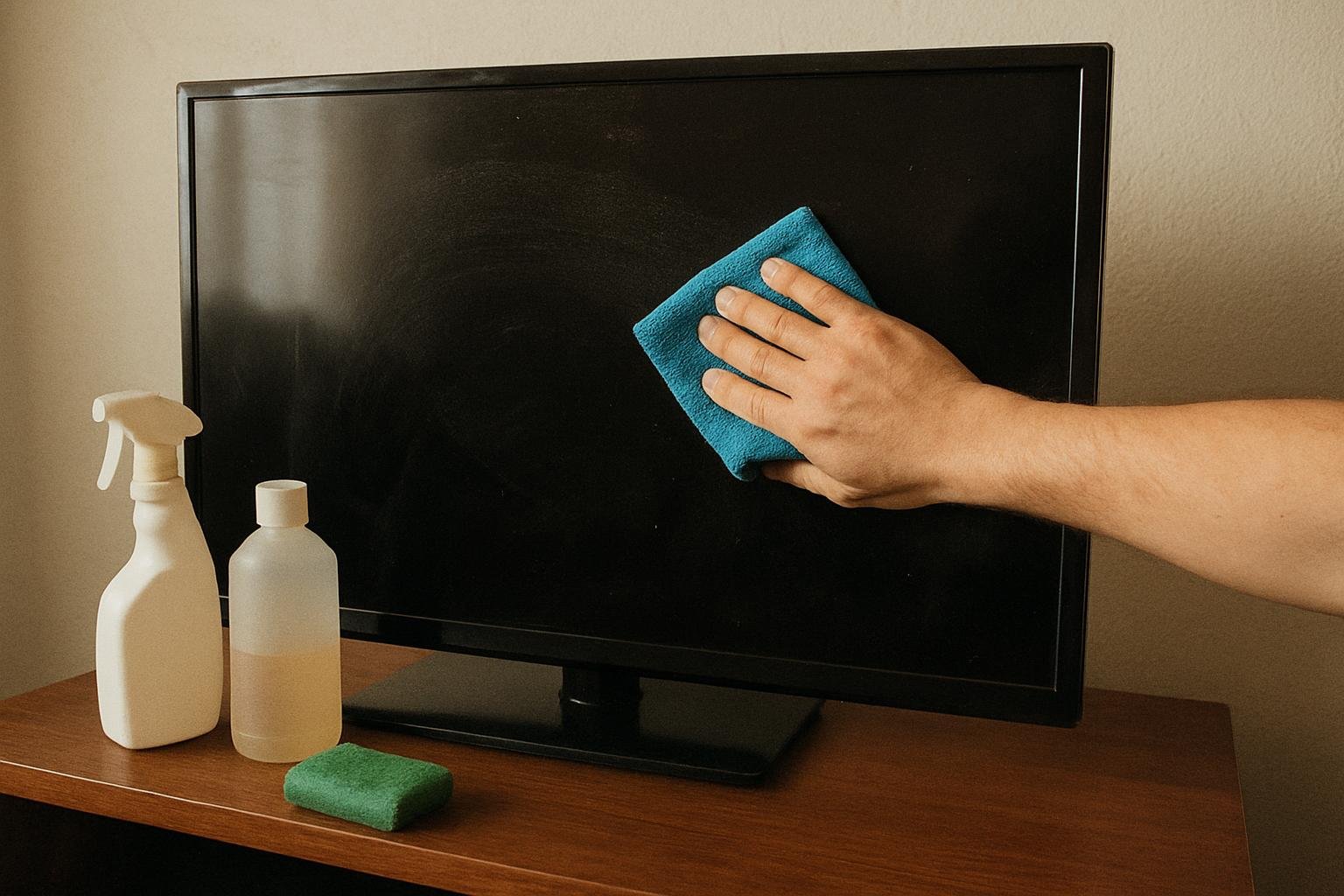
Check Your TV’s Screen Type Before You Start
Not all TV screens tolerate the same cleaning approach. Most modern flat-panel TVs, including LCD, LED, OLED, and QLED models, have a thin anti-glare or anti-reflective coating on the surface. This coating is what makes household glass cleaner risky. Products designed for window glass often contain ammonia or alcohol, which can break down that coating over repeated use, leaving a dull, cloudy, or streaky finish that no amount of re-wiping will fix.
Older tube-style TVs and some basic monitors have plain glass screens without a special coating, which makes them more forgiving. If you’re not sure what you have, check your TV’s manual or the manufacturer’s website for screen-cleaning guidance specific to your model. When in doubt, treat the screen as coated and stick to the gentlest method.
What You’ll Need
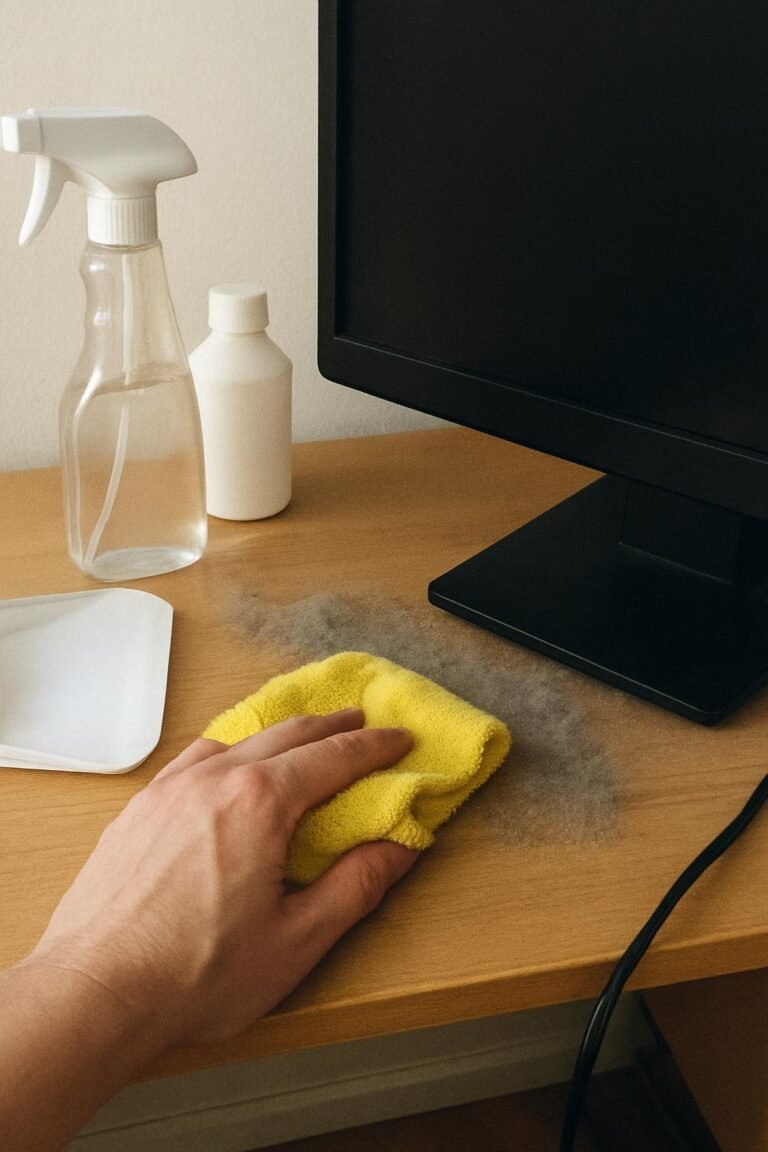
- Two clean microfiber cloths (one dry, one for light dampening)
- Distilled water
- A soft-bristle brush or can of compressed air (optional, for dust in vents or bezels)
Avoid paper towels, tissues, cotton cloths, or old t-shirts. These materials can be slightly abrasive at a microscopic level, and on a screen coating, that’s enough to create fine scratches or swirl marks over time.
Step-by-Step: Cleaning a TV Screen Without Streaks
- Turn off and unplug the TV. A dark screen makes streaks, smudges, and dust far easier to see, and working on an unplugged set removes any concern about moisture near powered electronics.
- Dust the screen with a dry microfiber cloth. Use light, even strokes, ideally moving in one direction rather than scrubbing in circles. This step alone often removes loose dust and light surface grime.
- Check the result before adding any moisture. Dry dusting resolves most everyday dust buildup. If the screen looks clean, stop here.
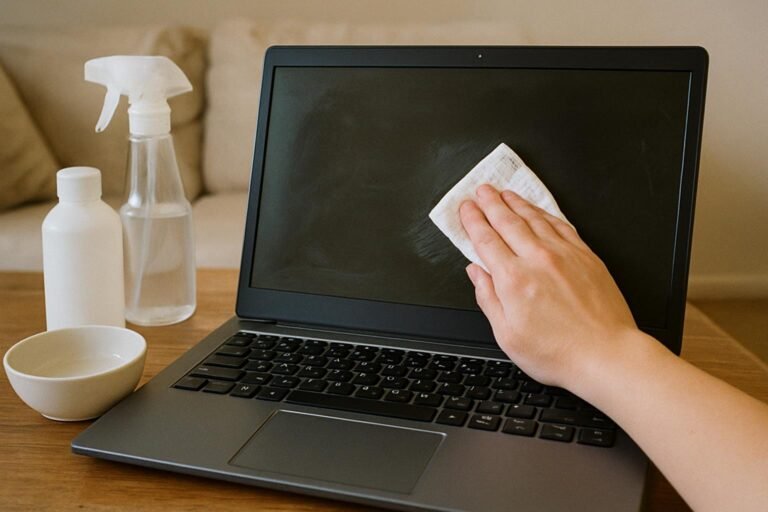
- For fingerprints or smudges, lightly dampen a second microfiber cloth with distilled water. The cloth should feel barely damp, not wet. Wring out any excess before it touches the screen.
- Wipe gently in one direction, using minimal pressure. Avoid pressing hard, especially on OLED panels, which can be more sensitive to pressure marks than LCD or LED screens.
- Dry the screen immediately with the dry microfiber cloth. This step is what actually prevents streaking, since leftover moisture that air-dries on its own is far more likely to leave marks.
- Wipe the bezel and stand separately using a dry or lightly damp cloth, since dust here can transfer back onto the screen if you’re not careful.
Use distilled water instead of tap water when possible. Tap water contains minerals that can leave faint mineral spots as it dries, which defeats the purpose of a careful wipe-down.
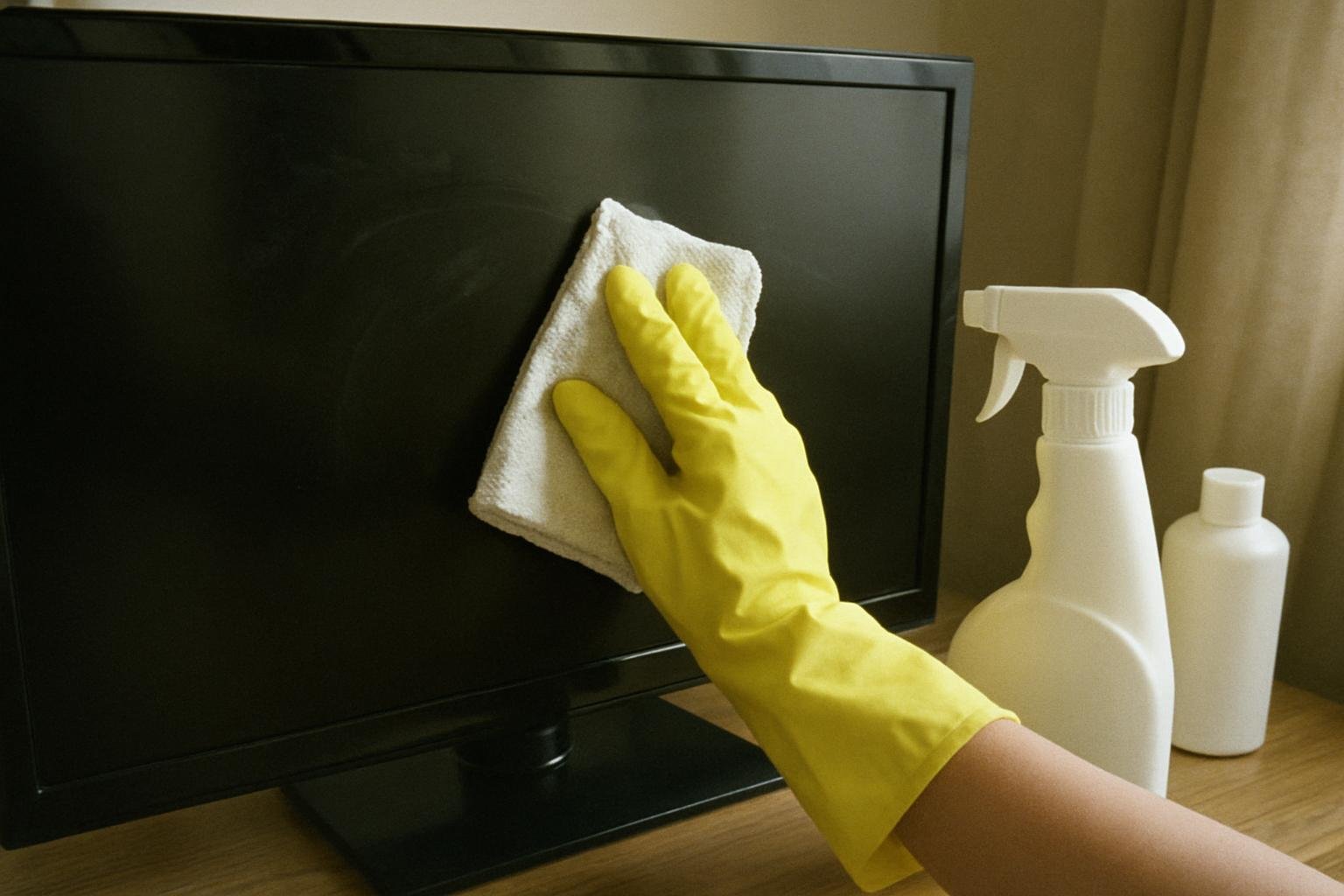
What Causes Streaks in the First Place
Streaks on a TV screen usually come down to one of three things: too much liquid, the wrong cloth, or wiping in random directions instead of a consistent pattern. A cloth that’s too wet leaves behind moisture that dries unevenly, and a rough or lint-heavy cloth redistributes dust and oil instead of lifting it away. Circular or crisscross wiping motions also tend to smear rather than clean, especially on screens with any texture or coating.
If you’ve already tried cleaning and still see faint streaks, the cloth was likely too damp or the screen wasn’t dried immediately afterward. Go back over the area with a completely dry microfiber cloth using light, one-direction strokes, and the streaks should lift.
Cleaning Mistakes That Can Damage a Screen
| Mistake | Why It’s a Problem |
|---|---|
| Spraying liquid directly on the screen | Moisture can seep into the bezel edges and reach internal components |
| Using glass cleaner or alcohol-based wipes | Can break down anti-glare coatings, causing permanent haze |
| Using paper towels or tissues | Mildly abrasive fibers can create fine scratches over repeated use |
| Pressing hard while wiping | Can cause pressure spots on OLED panels, sometimes visible after power-on |
| Cleaning a powered-on, warm screen | Makes it harder to see streaks accurately and adds unnecessary risk near an active display |
If your TV has a matte or textured finish rather than a glossy one, check the manufacturer’s cleaning instructions specifically, since some matte coatings are more delicate and may call for water only, with no cleaning solutions of any kind.
How Often to Clean a TV Screen
For most households, dusting the screen every one to two weeks with a dry microfiber cloth keeps buildup from turning into stubborn smudges. Homes with kids, pets, or heavy screen use near the TV may need a light wipe-down more often. There’s no benefit to cleaning more frequently than necessary, since every wipe carries a small risk of introducing dust or pressure to the coating, even when done carefully.
If you’re dealing with other glass or reflective surfaces around the house that streak easily, the same one-direction wiping principle applies. You can find more detail in how to clean windows without streaks and how to clean the inside of a windshield without streaks, both of which cover similar streak-prevention techniques for different materials.
When to Stop and Call a Professional
If you notice a haze that won’t wipe away, discoloration under the screen’s surface, or a coating that feels like it’s peeling or flaking, stop cleaning immediately. These signs point to coating damage or a deeper issue that a cloth and water won’t fix. Contact your TV’s manufacturer or an authorized repair service, since attempting further cleaning at that point risks making the damage worse.
Everything Mentioned Above
Before you leave, grab the tools you need to get the job done right the first time:
*As an Amazon Associate, TidyFormula earns from qualifying purchases.