How to Remove Dust behind a Computer Desk
The best way to remove dust behind a computer desk is to pull the desk away from the wall (or slide it forward), unplug any nearby electronics, and vacuum the wall, floor, cables, and desk back with a brush attachment before wiping surfaces with a microfiber cloth. Dust here builds up fast because of static from cables and monitors, and airflow along the wall traps it in corners and cords.
If your desk is heavy, bolted to a wall mount, or has a tangle of cables you’re not confident detaching, you can still clean most of the area without fully moving it — you’ll just need the right tools to reach behind it safely.
⚡ The TidyFormula™ Quick Decision
Best approach: Unplug electronics, pull the desk out if possible, vacuum with a brush attachment, then wipe walls and cords with a dry or lightly damp microfiber cloth.
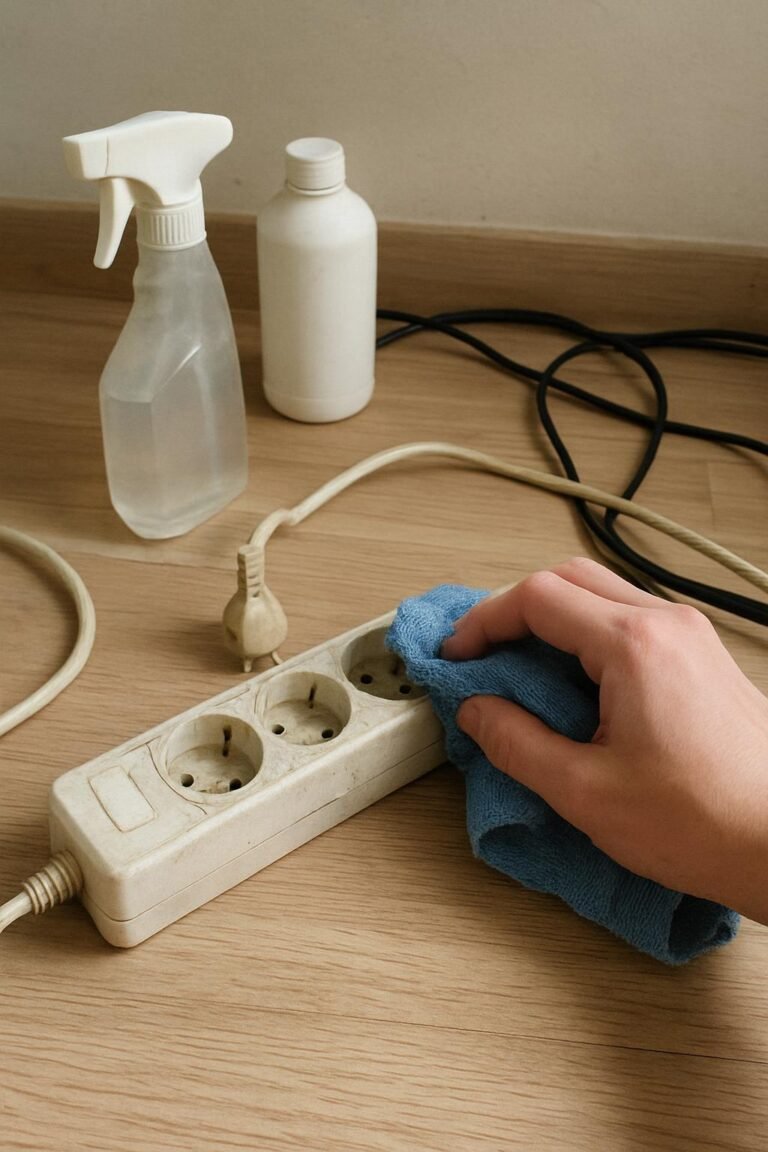
Use caution with: Power strips, computer towers, monitors, and any cables still connected to outlets — dust there should be handled dry, not wet.
Stop and reassess if: The desk is anchored to the wall, extremely heavy, or the cable setup looks too tangled to move safely without disconnecting equipment first.
What I Use For This Job
Using the right tools saves time and protects your belongings. Here are my exact recommendations:
*As an Amazon Associate, TidyFormula earns from qualifying purchases.
Why Dust Collects So Heavily Behind a Computer Desk
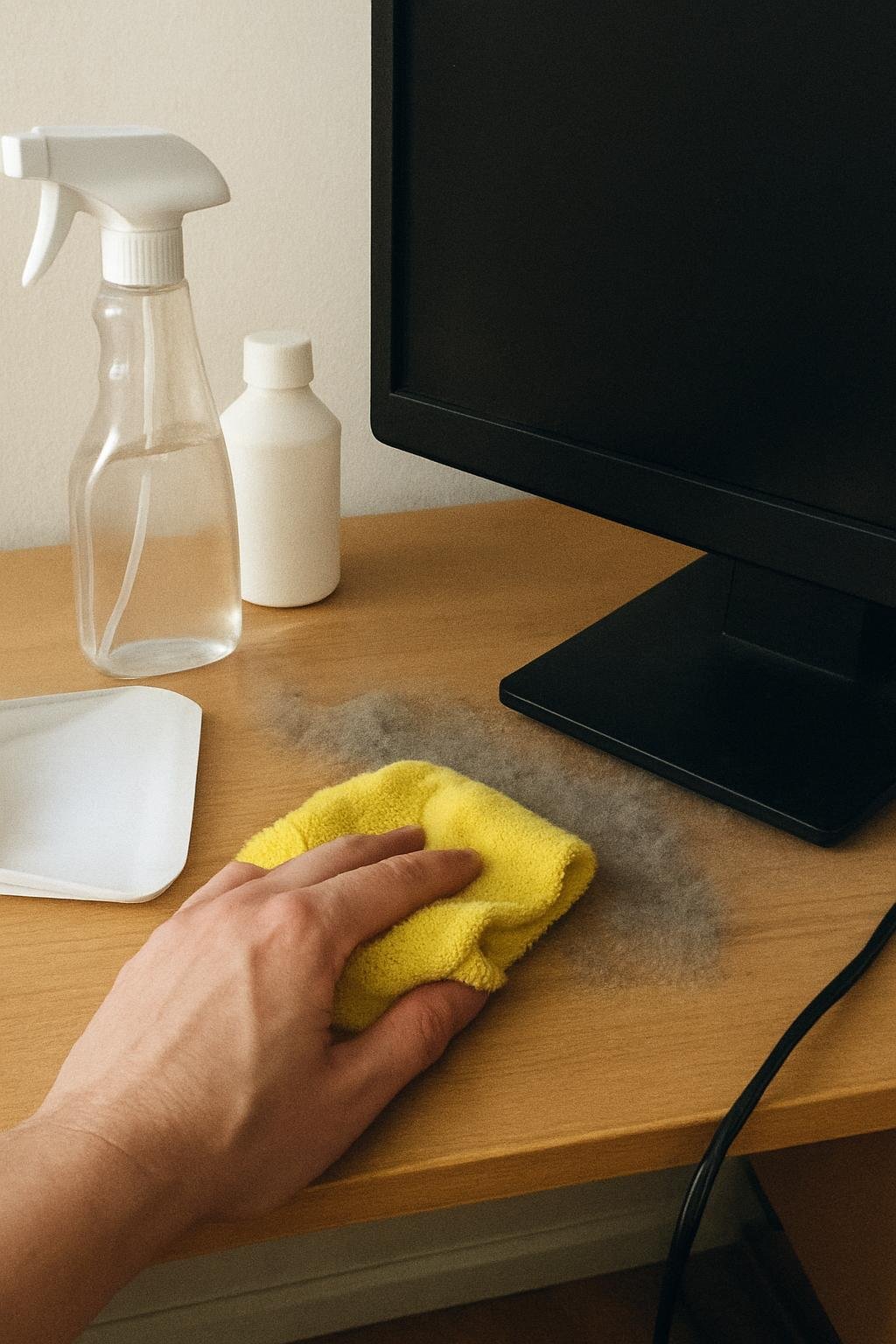
The space behind a computer desk tends to combine several dust-attracting conditions at once. Cables and electronics generate static, which pulls airborne dust toward cords, power strips, and the back panel of the desk. That area also gets disturbed less often than open floor space, so dust has time to settle into thick, sometimes felt-like layers along baseboards and cable bundles.
If the desk sits against an exterior wall or near a vent, airflow patterns can push even more dust into that corner compared to the rest of the room.
What to Check Before You Start
Before moving anything, look at how the desk and equipment are set up:
- Cables and power strips: Note which cords connect to the wall, the computer, and any peripherals so you can unplug and reconnect them without confusion.
- Desk construction: Check whether the desk is freestanding, wall-mounted, or bolted through a stud. Wall-mounted desks may not be safe to pull away from the wall.
- Flooring: Hardwood, laminate, and tile can generally handle a vacuum wheel or slide without issue. Carpet may show indentation marks after the desk is moved back — this is cosmetic and typically fades.
- Electronics placement: If a computer tower, router, or power strip sits directly behind the desk, plan to unplug it before you start rather than vacuuming around a live cord.
Step-by-Step: Removing Dust Behind a Computer Desk
- Power everything down and unplug it. Turn off the computer, monitor, and any peripherals, then disconnect them from the outlet. This protects the equipment and lets you clean the area freely without working around live cords.
- Move the desk if you can do so safely. Slide or lift the desk away from the wall enough to access the full space behind it. If it’s too heavy or anchored, skip ahead and clean in place using an extension tool instead.
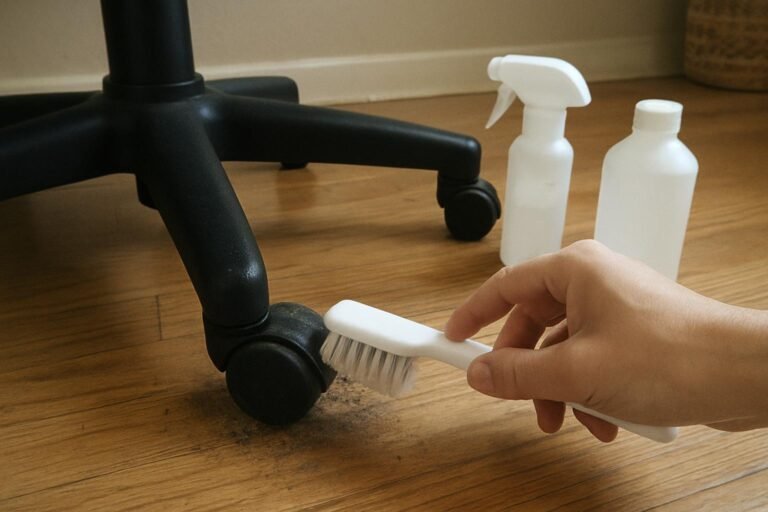
- Vacuum first, before wiping anything. Use a vacuum with a soft brush attachment on the wall, baseboard, floor, and the back of the desk. Vacuuming first prevents you from smearing dry dust into a paste once you introduce moisture.
- Vacuum cables individually. Run the brush attachment along each cord rather than bunching them together, since dust builds up in the gaps between cables and around connectors.
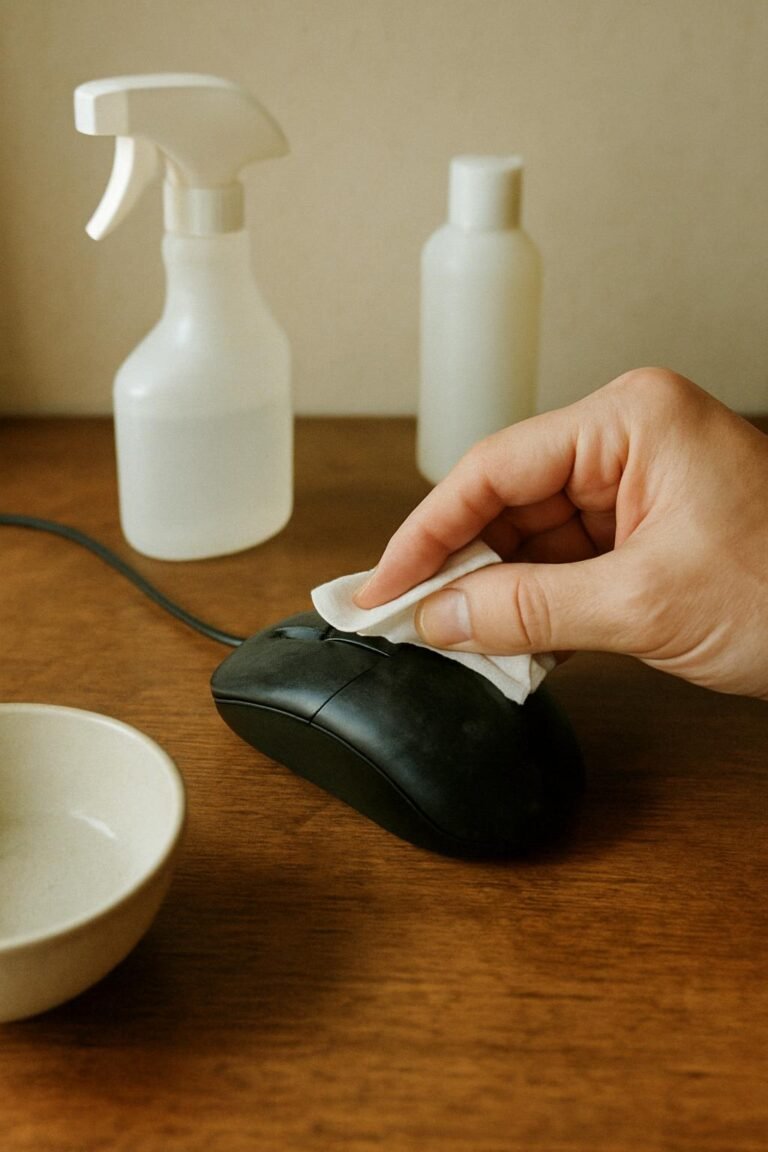
- Wipe the wall and desk back with a microfiber cloth. A dry microfiber cloth works well for light dust. For heavier buildup, lightly dampen the cloth with water and wring it out well — it should feel barely moist, not wet, especially near outlets or electronics.
- Clean the floor last. Vacuum the floor space again after wiping the wall, since debris will fall as you clean above it. Follow with a damp mop only if your flooring type allows it.
- Let everything dry fully before reconnecting power. Give damp-wiped areas a few minutes of air-dry time before plugging cords back into the outlet or reconnecting equipment.
Safe Cleaner for Dust Behind a Computer Desk
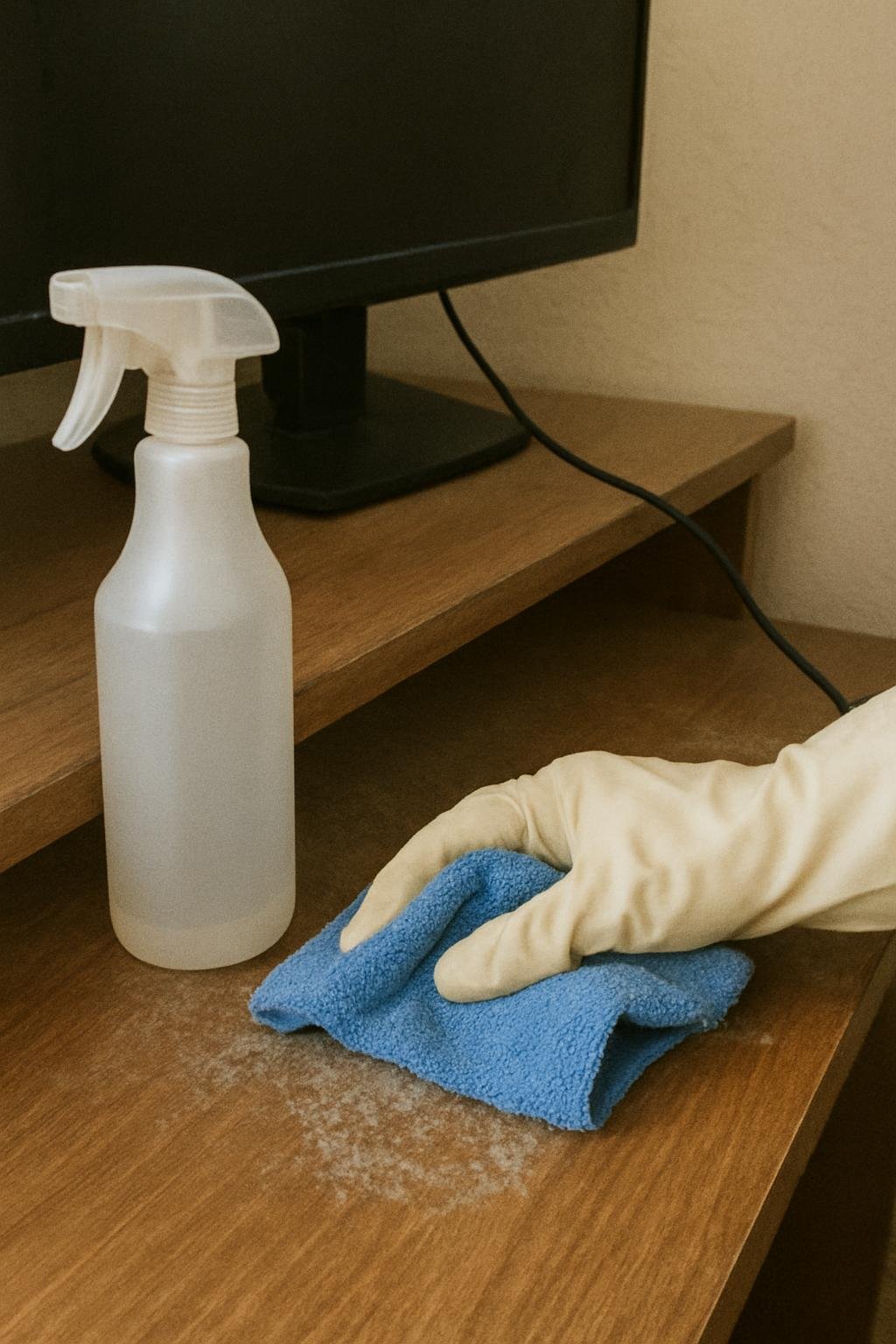
For most walls and desk backs, plain water on a microfiber cloth is enough to lift dust without leaving residue. If you want a mild cleaner for painted walls or a sealed desk surface, a small amount of dish soap diluted in water works for wiping, followed by a dry cloth to remove any leftover moisture.
Avoid spraying cleaner directly onto the wall or desk near outlets, power strips, or cables. Spray directly onto the cloth instead, and keep any liquid well away from electrical components. Skip aerosol dusting sprays and canned air near delicate cable connectors unless the manufacturer instructions for your equipment specifically allow it.
Cleaning Mistakes That Cause Damage or Wasted Effort
- Wiping before vacuuming. A damp cloth on dry dust often turns it into a gray paste that’s harder to remove and can streak painted walls.
- Using a damp cloth near live cords. Always unplug electronics first. Moisture near an active outlet or power strip is a real safety concern, not just a cleaning inconvenience.
- Forcing a wall-mounted desk away from the wall. If the desk is anchored, prying it forward can strip mounting hardware or damage the wall. Clean in place with a vacuum extension or crevice tool instead.
- Soaking cables to clean them. Cables should be wiped dry or with a barely damp cloth, never submerged or heavily sprayed.
- Skipping the floor cleanup after wiping. Debris knocked loose during wiping settles on the floor, so a second vacuum pass afterward keeps you from just relocating the dust.
Preventing Dust Buildup Behind a Computer Desk
Once the area is clean, a few habits can slow how fast dust returns:
- Bundle cables together with reusable ties or a cable sleeve, since loose cords collect more dust individually than they do bundled and off the floor.
- Vacuum the area every few weeks instead of waiting for visible buildup, especially if the desk sits near a vent or exterior wall.
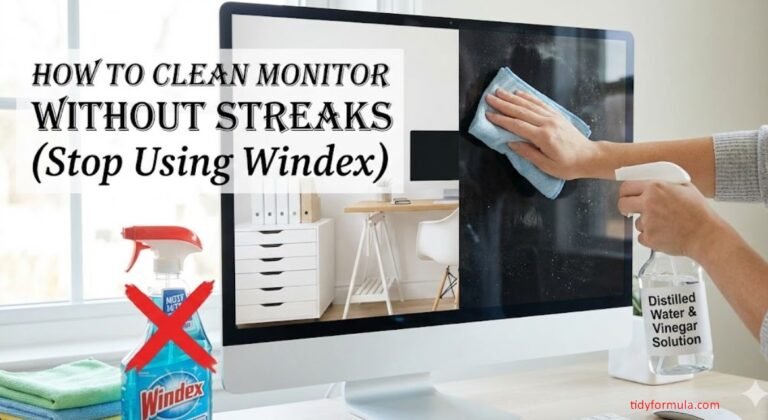
- Use an anti-static cloth on electronics like the computer tower and monitor to reduce how much dust they attract in the first place.
- Leave a small gap between the desk and wall if your setup allows it, since a slightly wider space is easier to reach for quick cleaning without moving furniture each time.
If dust behind your desk is part of a larger deep-cleaning project, you may also find it useful to review how to clean an oven without chemicals for another area of the home that tends to get overlooked during regular cleaning.
Everything Mentioned Above
Before you leave, grab the tools you need to get the job done right the first time:
*As an Amazon Associate, TidyFormula earns from qualifying purchases.