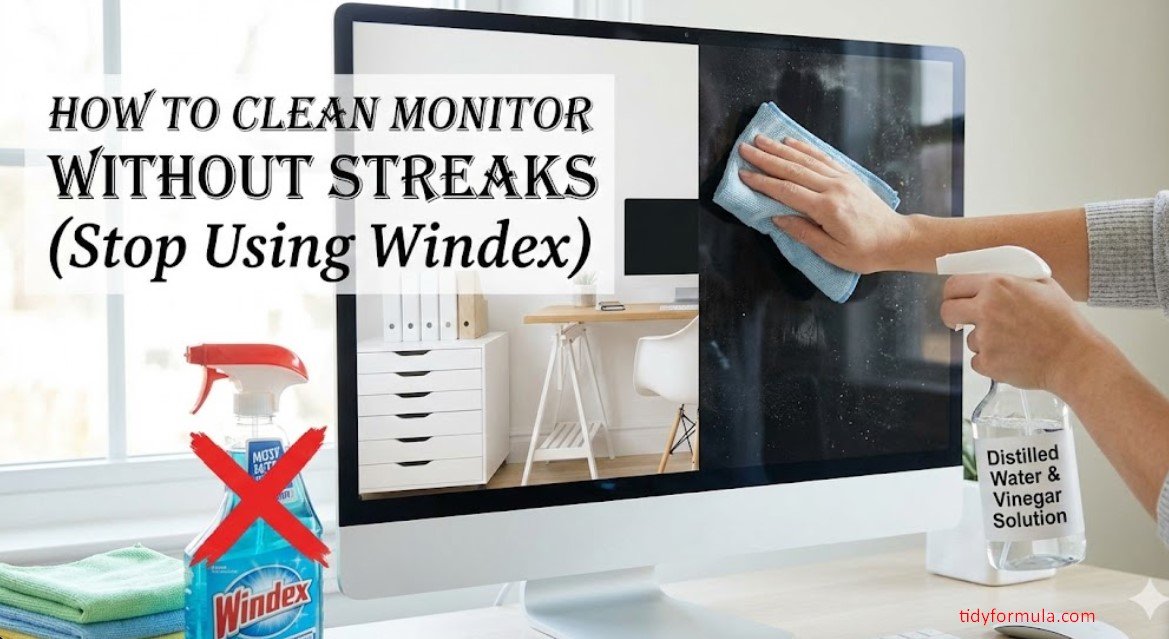
How to Clean Monitor Without Streaks (Stop Using Windex)
Ignorance is truly bliss, at least until you accidentally hit the power button. I turned off my monitor this afternoon and instantly regretted it. When the screen is black, it stops being a portal to the internet and starts being a black mirror reflecting my poor life choices.
There were specks of dried coffee (how?), dust bunnies clinging to the corners, and a massive, greasy smudge right in the center where I pointed at a meme last week. It looked gross.
So, I grabbed a paper towel and some spray. Big mistake. It just smeared the grease around until my screen looked like a foggy bathroom mirror. I had to figure out how to clean monitor without streaks properly, or I was going to lose my mind trying to read emails through the haze.
⚡ The TidyFormula™ Quick Answer
The Verdict: Use distilled water and two microfiber cloths. One wet, one dry. Never use tap water or glass cleaner.
- The Mix: Distilled Water (Only).
- Time: 5 Minutes.
- Effectiveness: 9.5/10 (It removes the film that causes streaks).
The Setup: Why You Are Failing
If you are using tap water, stop. Tap water has minerals (calcium, magnesium) in it. When the water evaporates, those minerals stay behind as white spots. That’s not a streak; that’s rock dust.
What I Use For This Job
Using the right tools saves time and protects your belongings. Here are my exact recommendations:
*As an Amazon Associate, TidyFormula earns from qualifying purchases.
What I used:
- Distilled Water: It costs $1 a gallon. Buy it.
- Two Microfiber Cloths: Not paper towels. Paper towels are made of wood pulp. They scratch.
- A Spray Bottle: Ideally a small misting one.
How to Clean a Monitor Without Streaks
This is the process. It works on my expensive gaming monitor and my cheap second screen. But you have to move fast.
1. The Blackout
Turn the monitor off. Unplug it if you want to be extra safe. You need the screen to be black so you can see the dirt. Also, cleaning a hot screen makes the water evaporate too fast, leaving streaks instantly.
2. The Dry Pass
Take your dry cloth and gently wipe the dust away. Don’t press down. (I scratched a screen once by dragging a grain of sand across it because I skipped this step. It sounded like a zipper. Awful).
🧪 The Science: Why Streaks Happen
Streaks are usually just moved dirt. When you spray liquid on a dirty screen, you create a muddy slurry. If you don’t lift that slurry off the surface before it dries, the water evaporates and leaves the dirt in a new, swirly pattern. The goal is to lift, not spread.
3. The Damp Wipe
Mist the distilled water onto your cloth. Never spray the screen directly. If a drop rolls down into the bezel, it can short out the driver board at the bottom. Goodbye, monitor.
Wipe in broad, circular motions. Apply just enough pressure to remove the fingerprint oil, but don’t push hard enough to distort the colors (that weird rainbow effect).
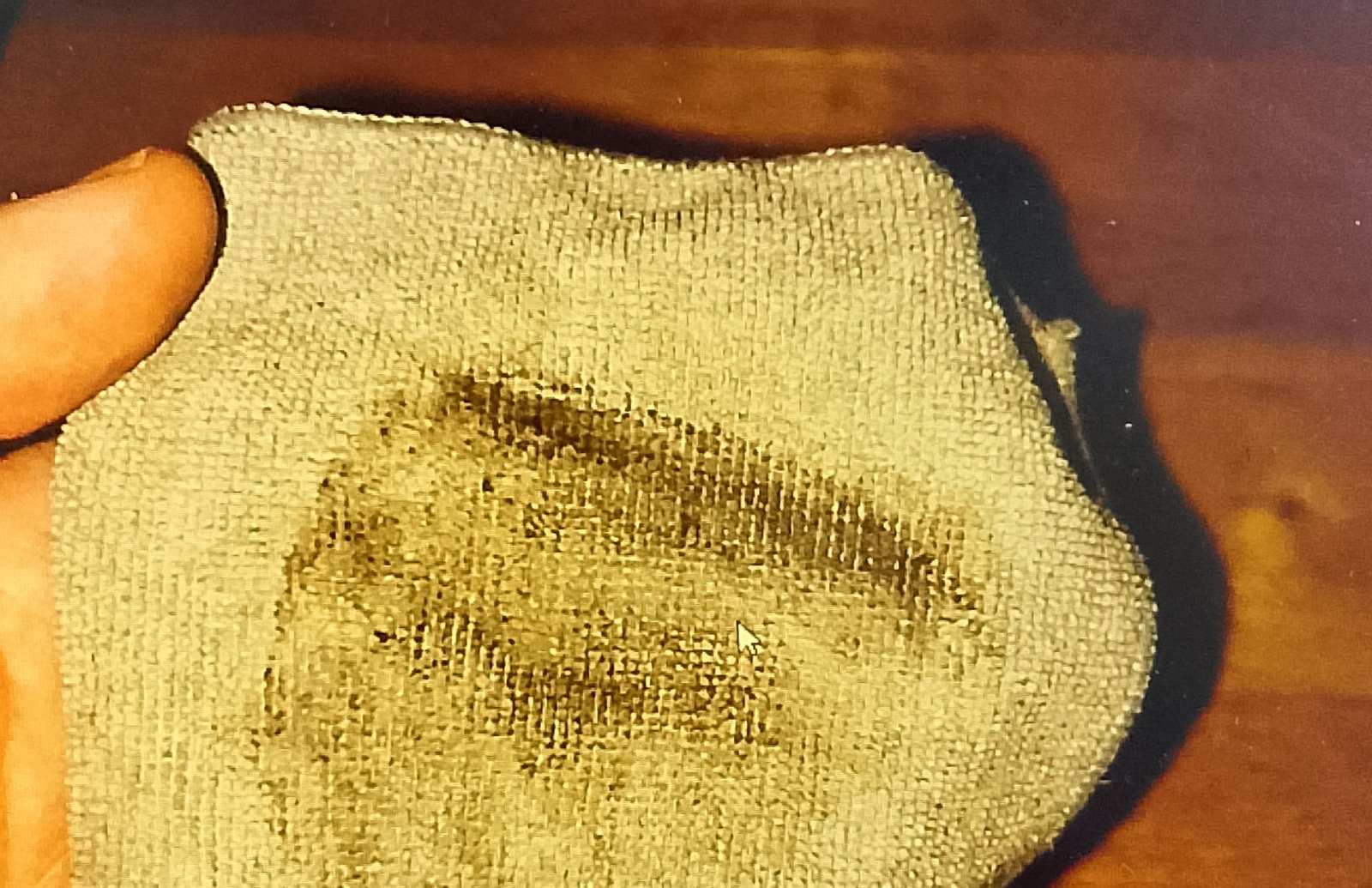
How to Clean My Monitor Without Damaging It
Most people ruin their screens not by scratching them, but by stripping the coating. Modern monitors have anti-glare layers that are chemically sensitive.
The “Buff” Finish:
Before the water dries, take your second dry microfiber cloth and buff the screen. This picks up any remaining moisture and oil residue. This is the secret to zero streaks. If you let it air dry, it will spot.
Reality Check: Stubborn Spots
Sometimes you have a speck of… something (probably food) that is stuck hard. Don’t use your fingernail. It scratches.
The Hack: Breathe on it. The warm moisture from your breath is usually enough to soften the gunk. Then wipe gently. It sounds gross, but it works better than scrubbing.
FAQ
Can I use eyeglass cleaner?
Usually, yes, if it says “alcohol-free” and “safe for coated lenses.” But why pay $10 for a tiny bottle when distilled water works?
What about screen cleaning wipes?
They are hit or miss. Some leave a sticky residue. If you use them, always follow up with a dry cloth buff to prevent streaks.
My screen is still streaky, what now?
Your cloth was probably dirty. Wash your microfiber towels (no fabric softener!) and try again with fresh water.
Can I use a paper towel if I’m gentle?
No. Paper is wood. Wood scratches plastic. It might not happen the first time, but eventually, you will see “micro-swirls” in the sun.
Is vinegar safe?
Some people say yes, but I say no. It’s an acid. Repeated use can degrade the plastic surface. Just stick to water.
Everything Mentioned Above
Before you leave, grab the tools you need to get the job done right the first time:
*As an Amazon Associate, TidyFormula earns from qualifying purchases.