
How to Clean Cables and Power Strips Safely
Clean cables and power strips safely by unplugging everything first, using a dry microfiber cloth or slightly damp cloth (never wet) for the surfaces, and a soft brush or compressed air for dust in vents and outlet slots. Avoid liquid cleaners, sprays, and anything abrasive near the ports themselves, since moisture and debris inside an outlet strip create a real electrical hazard, not just a cosmetic problem.
If your power strip sits behind a desk or entertainment center, dust and pet hair can build up in the vents for months before anyone notices, which makes the job feel more involved than a quick wipe-down.
⚡ The TidyFormula™ Quick Decision
Best approach: Unplug the strip and cables, then wipe cable jackets with a dry or barely damp microfiber cloth and clear dust from vents and outlet slots with a soft brush or compressed air.
Use caution with: Any liquid cleaner, alcohol wipe, or spray near outlet slots, power buttons, or surge-protector vents, since even small amounts of moisture can reach internal contacts.
Stop and reassess if: You see melted plastic, scorch marks, a burning smell, exposed wire, or a power strip that feels warm to the touch. Replace the unit instead of cleaning it.
What I Use For This Job
Using the right tools saves time and protects your belongings. Here are my exact recommendations:
*As an Amazon Associate, TidyFormula earns from qualifying purchases.
Unplug Before You Touch Anything
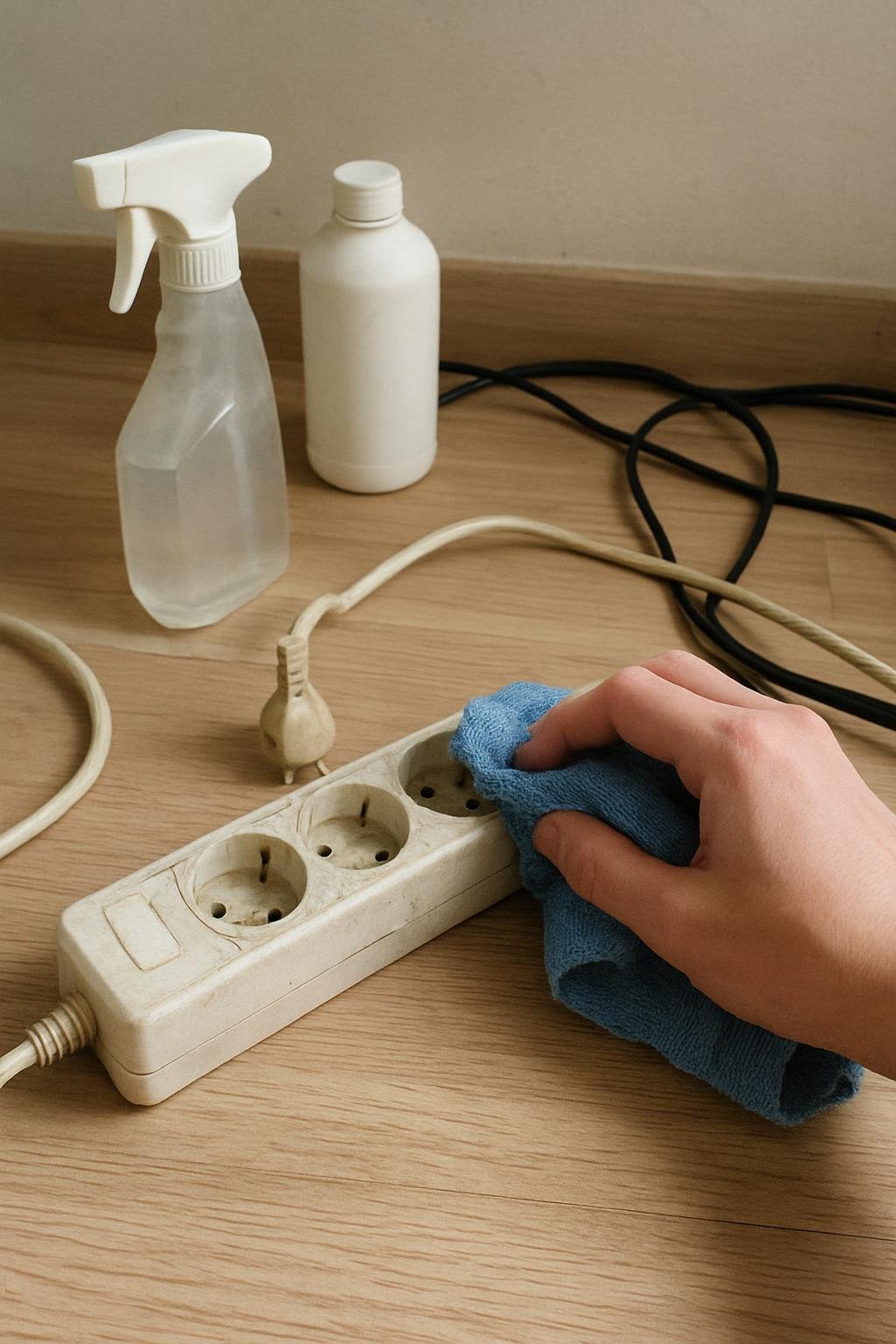
Disconnect the power strip from the wall outlet before you clean it, and unplug every device connected to it if possible. Cleaning a live strip risks a shock or a short if any moisture, dust, or debris makes contact with the internal wiring while current is flowing. This step matters even for a “quick” dusting, since it takes only a few seconds and removes the risk entirely.
For cables that stay connected to a wall charger or an appliance, unplug the cable at both ends when practical. If a cable runs to something like a router or a modem that needs to stay powered, at minimum avoid cleaning near the connector ends while it’s plugged in.
What Actually Works for Cables and Power Strips
Cable jackets and power strip housings are almost always plastic or rubber, which holds up fine to light dry cleaning but does not tolerate soaking or harsh solvents well over time. A dry microfiber cloth handles most dust and light grime. For sticky residue, grease, or fingerprint buildup, lightly dampen the cloth with water, wring it out well, and wipe the cable jacket or strip housing, keeping moisture away from connector ends, ports, and outlet slots.
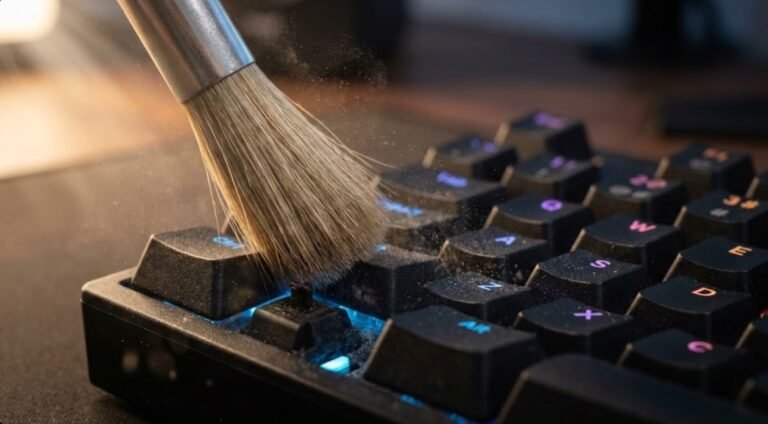
For dust packed into power strip vents, outlet slots, or the gaps around a surge-protector switch, a soft-bristle brush (an old toothbrush works) or a can of compressed air clears debris without introducing moisture where it doesn’t belong. Hold compressed air at a slight angle rather than straight into a slot to avoid pushing debris deeper.
Skip rubbing alcohol, disinfecting wipes, glass cleaner, and all-purpose sprays on cables and strips unless the manufacturer specifically states the material tolerates it. Many wipes contain enough liquid to seep into seams around switches and outlet openings, and some solvents can degrade cable jacket material or printed labels over time.
Step-by-Step Cleaning Method
- Unplug the power strip from the wall and disconnect devices where practical.
- Wipe the strip housing and cable jackets with a dry microfiber cloth to remove loose dust and hair.
- For grime that doesn’t lift with a dry cloth, dampen a cloth slightly with water, wring it out until it’s barely moist, and wipe the surface again. Keep the cloth away from outlet slots, connector ends, and any switch openings.
- Use a soft brush or compressed air to clear dust from vents, slots, and the gaps around switches or indicator lights.
- Let everything air-dry completely, usually a few minutes for a barely damp cloth, before reconnecting anything to the wall outlet.
- Inspect the strip and cables for cracks, discoloration, or a warm feel before plugging back in.
Mistakes That Cause Damage or Risk
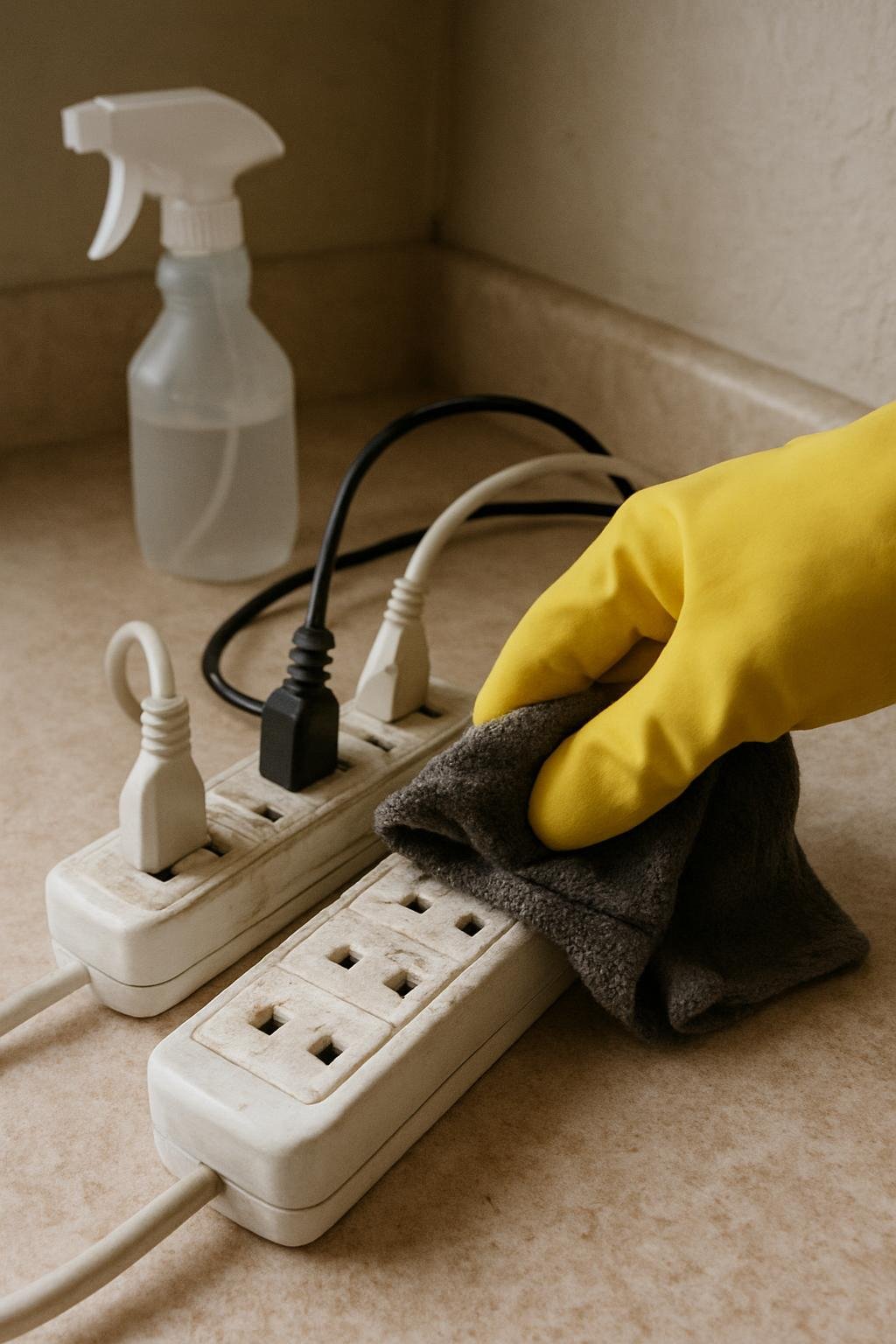
Spraying cleaner directly onto a power strip is one of the most common mistakes, since overspray settles into outlet slots and switch housings where it’s nearly impossible to dry completely. Spray a cloth instead, or skip liquid altogether and rely on a dry wipe and compressed air.
Cleaning a strip while it’s still plugged in is another common shortcut that adds risk for no real time savings. It only takes a moment to unplug it, and doing so removes the chance of contact between moisture and live current.
Using strong solvents, ammonia-based cleaners, or abrasive scrub pads on cable jackets can dull, crack, or discolor the plastic or rubber coating over time, which may eventually expose the wire underneath. Stick to a dry or lightly damp cloth for routine cleaning.
How Often This Actually Needs Doing
For a power strip in a normal living space, a light dusting every few weeks and a more thorough vent-clearing every couple of months is usually enough. Strips in dusty environments, near pet bedding, or behind furniture that traps airflow may need attention more often. Cables that sit on the floor or get handled daily tend to pick up grime faster than ones tucked out of sight, so judge frequency by how the cable or strip actually looks rather than a fixed schedule.
When to Stop Cleaning and Replace Instead
Some conditions call for replacement rather than cleaning. Melted or discolored plastic near an outlet, a scorched smell, exposed or frayed wire, a strip that feels warm during normal use, or a switch that sticks or doesn’t click firmly are all signs the unit has a problem cleaning won’t fix. A cable with a cracked jacket exposing bare wire underneath should be replaced rather than wrapped or cleaned around.
If you’re unsure whether a specific strip or cable can tolerate even a lightly damp cloth, check the manufacturer’s instructions for that model, since surge protectors and specialty cables sometimes carry their own care guidance that takes priority over general advice.
Everything Mentioned Above
Before you leave, grab the tools you need to get the job done right the first time:
*As an Amazon Associate, TidyFormula earns from qualifying purchases.
One Comment