
How to Clean TV Screen Without Streaks (The “Zero-Chemical” Method)
To clean a TV screen without streaks, turn it off and unplug it, remove loose dust with a clean microfiber cloth, then wipe with a second cloth lightly dampened with distilled water. Never spray the screen directly. Finish immediately with a dry microfiber cloth, using gentle, overlapping passes and no pressure.
Afternoon sunlight can turn a seemingly clean TV into a spotlight for fingerprints, smudges, and dust. Suddenly, the TV is wearing a wool sweater.
Reaching for glass cleaner and a paper towel can make the problem worse. Glass cleaners may leave residue or damage screen coatings, while paper towels can create fine scratches.
If you are searching for how to clean tv screen without streaks, start with the care instructions for your exact TV model. When those instructions allow a damp cloth, distilled water and clean microfiber are the safest default.
⚡ The TidyFormula™ Quick Answer
The Recommendation: Use a dry microfiber cloth first. If marks remain, use distilled water applied sparingly to a second microfiber cloth—never directly to the screen—and buff dry immediately.
What I Use For This Job
Using the right tools saves time and protects your belongings. Here are my exact recommendations:
*As an Amazon Associate, TidyFormula earns from qualifying purchases.
- The Mix: 100% distilled water. For greasy residue, use one drop of plain dish soap diluted in at least one cup of distilled water only if the TV manufacturer permits it.
- Time: About 15–20 minutes, including cooling time.
- Best For: Fingerprints, light smudges, and ordinary household dust.
Check Your TV’s Cleaning Instructions First
OLED, QLED, LED, and LCD describe display technologies, but they do not tell you exactly what coating is on the outer surface. Two TVs using similar display technology may have different anti-reflective finishes and different cleaning instructions.
Look up the manual using the model number on the back of the TV or in its settings menu. If the manufacturer says to use only a dry cloth, follow that instruction. If it allows a water-dampened cloth, use as little moisture as possible.
Do not assume a glossy or glass-feeling screen is safe for household glass cleaner. A coating may be applied over the surface.
The Danger of Alcohol and Ammonia on Anti-Glare Coatings
Before cleaning, consider the screen’s outer coating.
Many modern TVs use delicate anti-glare, anti-reflective, or polarizing layers that may be damaged by ammonia-based cleaners, strong solvents, alcohol, vinegar, and abrasive products unless your manufacturer explicitly says they’re safe.
The safest default for a manufacturer-approved damp cleaning is simple: distilled water on a microfiber cloth—never directly on the screen.
Damage to a screen coating may appear as fixed cloudy, purple, blue, rainbow-like, or uneven glossy patches. If a mark does not move or change as you wipe, stop cleaning. It may be coating damage rather than removable residue.
Paper towels, tissues, and toilet paper are made from short wood-based fibers. They can shed lint and may create fine scratches, especially when pressed against a dusty screen.
What You Need Before Cleaning
- Two Clean Microfiber Cloths: Use lint-free cloths reserved for screens or other delicate surfaces. One is for cleaning and one is for drying.
- Distilled Water: Unlike hard tap water, distilled water contains very little mineral residue that can remain after evaporation.
- A Small Spray Bottle: Use it only to mist the cloth away from the TV.
- Optional Plain Dish Soap: Use only for persistent greasy residue and only when permitted by the manufacturer. Avoid formulas containing lotion, abrasives, bleach, or added cleaning solvents.
Before starting, check both cloths for crumbs, grit, dried residue, stiff edges, or debris trapped in the fibers. Wash and dry your hands so you do not transfer skin oil back to the cloth or screen.
Dry-Wiping vs. Damp-Wiping Techniques
Dry-wiping is best for loose dust and should always come first. Damp-wiping is for fingerprints, dried spots, and greasy smudges that remain after dusting.
Starting with a wet cloth can turn dust into residue and drag particles across the screen. Starting dry reduces that risk and may be all the cleaning your TV needs.
Step 1: Turn Off, Unplug, and Cool the TV
Turn off the TV, unplug it from the wall, and let the screen cool for about 15 minutes.
A dark screen makes dust and fingerprints easier to see. A cool surface also slows evaporation, giving you time to wipe away moisture before it forms streaks. Make sure the TV is stable and cannot tip while you clean it.
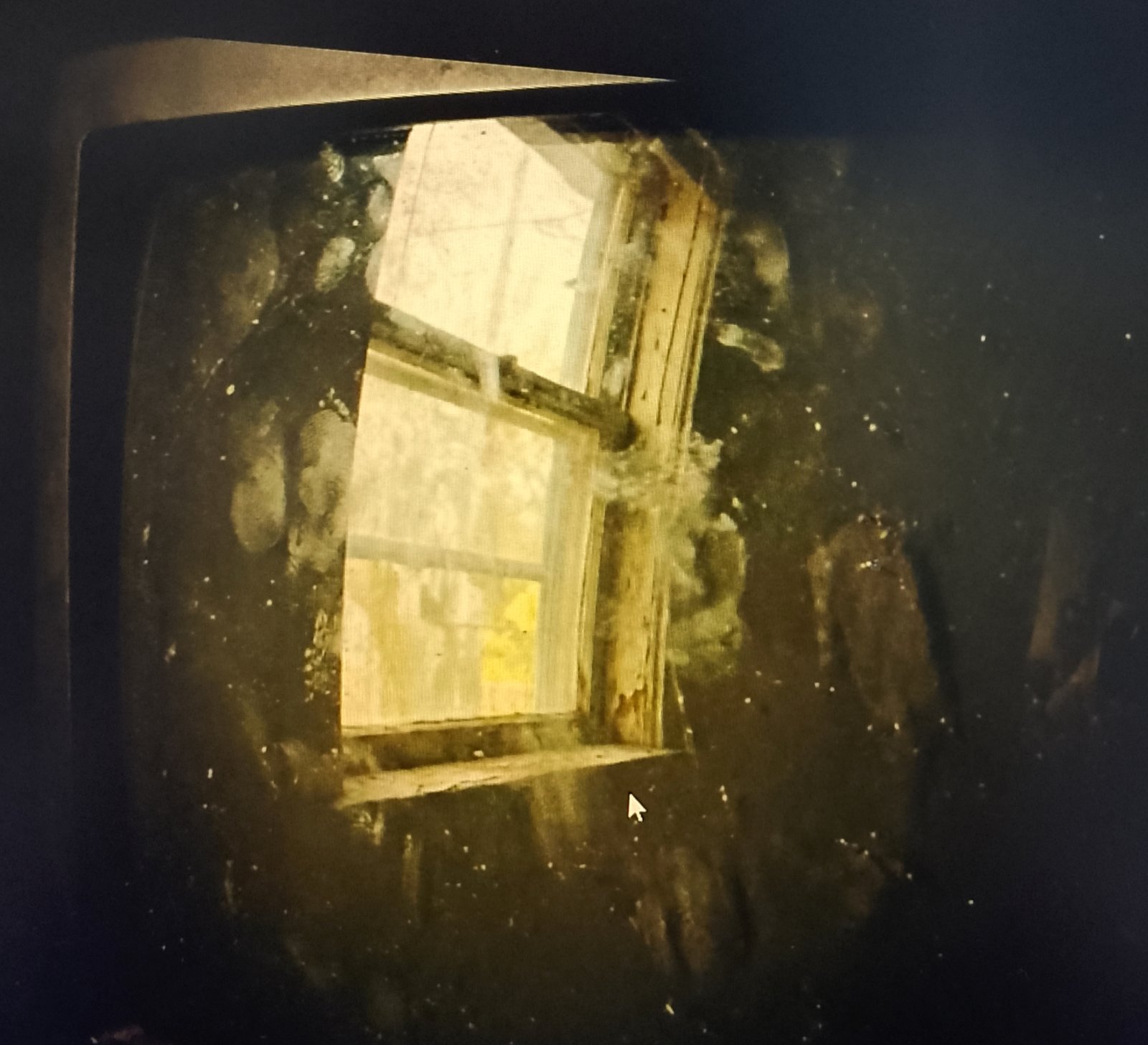
Dust commonly collects along the corners and edges, where static and limited airflow make it more noticeable.
Step 2: Lift Loose Dust With a Dry Cloth
Fold a clean, dry microfiber cloth into a padded square. Folding creates several clean surfaces that you can rotate to as the cloth picks up dust.
Starting at the top, wipe the screen with light, overlapping horizontal or vertical passes. Do not press, scrub, or use your fingernail through the cloth. Support the TV if necessary without squeezing the panel.
If you feel a hard particle under the cloth, stop and lift the cloth away. Shake it out away from the TV or switch to a clean section before continuing.
Step 3: Use a Barely Damp Cloth for Smudges
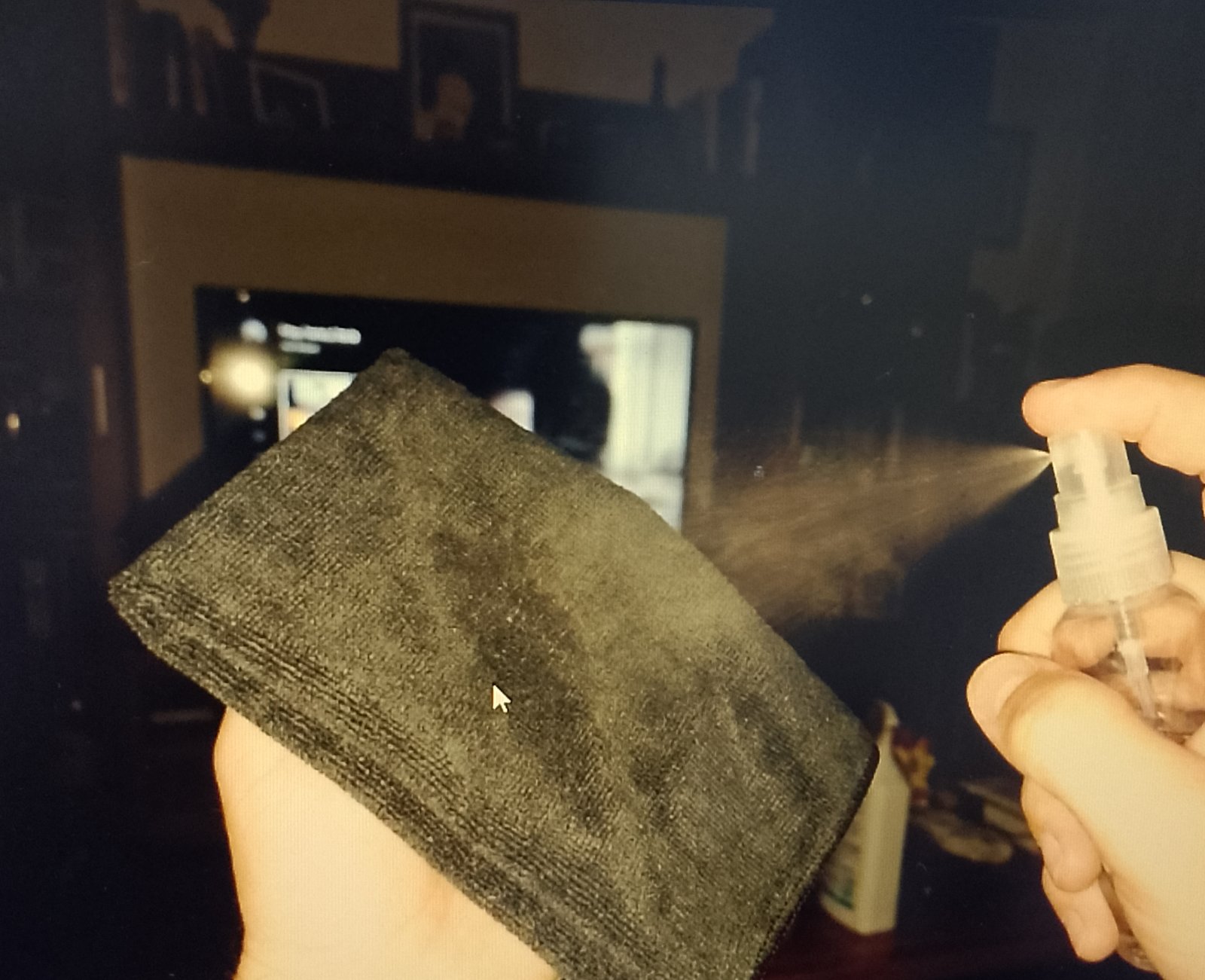
Fill the spray bottle with distilled water. Standing away from the TV, mist the second microfiber cloth once or twice. The cloth should feel slightly cool and damp but should not drip when squeezed.
Wipe with broad, overlapping passes from top to bottom. Use only enough contact to keep the cloth against the surface.
For a dried spot, hold the damp cloth against it for 10–20 seconds to soften the residue. Wipe again gently. Do not scrape it with a fingernail, card, razor, or other tool.
Step 4: Treat Greasy Fingerprints Only if Necessary
If distilled water does not remove an oily mark, first check the manufacturer’s instructions. When mild soap is permitted, dilute one drop of plain dish soap in at least one cup of distilled water. Do not place concentrated soap directly on the cloth or screen.
Lightly dampen the cloth with the diluted solution and clean only the affected area. Follow with a separate cloth lightly dampened with plain distilled water to pick up soap residue.
Never combine dish soap with alcohol, vinegar, glass cleaner, disinfectant, or another cleaning product.
Step 5: Buff the Screen Dry Immediately
Do not leave the screen to air-dry. Use the second clean, dry microfiber cloth to remove the remaining moisture with gentle, overlapping passes.
Rotate the cloth to a dry section as needed. If the cloth becomes damp or starts moving streaks around, replace it with another clean, dry microfiber cloth.
🧪 Why This Method Reduces Streaks
Streaks usually come from cleaner residue, minerals in tap water, oil transferred by a dirty cloth, or moisture that dries unevenly. Distilled water leaves less mineral residue than tap water. Using very little moisture and drying the screen immediately reduces the chance that residue will settle into visible lines.
Step 6: Inspect and Reconnect
Inspect the screen from an angle under normal room light. Do not press harder simply because you can see a faint mark under a bright flashlight; intense side lighting can reveal minor surface variations that are invisible during normal viewing.
Make sure the screen, bezel, ports, buttons, stand, and surrounding area are completely dry before plugging the TV back in. If liquid reached an opening, leave the TV unplugged and consult the manufacturer’s support guidance before using it.
How to Clean the Bezel, Stand, and Vents
Use a separate dry microfiber cloth for the frame and stand so dirt from those surfaces does not return to the screen. If the manufacturer permits damp cleaning, apply a small amount of water to the cloth rather than the TV.
Clean vents with a dry microfiber cloth or a soft, clean brush. Do not push dust into the openings, insert cotton swabs into vents, or use a household vacuum nozzle directly against the TV.
Avoid letting moisture collect along the bottom edge of the panel, where it can migrate into the bezel.
How to Clean Monitor Screens Safely
Computer monitors collect fingerprints, droplets, and dust because users sit close to them and often point at the display. The same dry-first, barely damp-second method applies.
Pay extra attention to the corners. Dust can collect in the narrow gap between the screen and plastic frame. A dry cotton swab can be used gently along the outer perimeter, but do not force it into the seam or allow the hard center stem to touch the display.
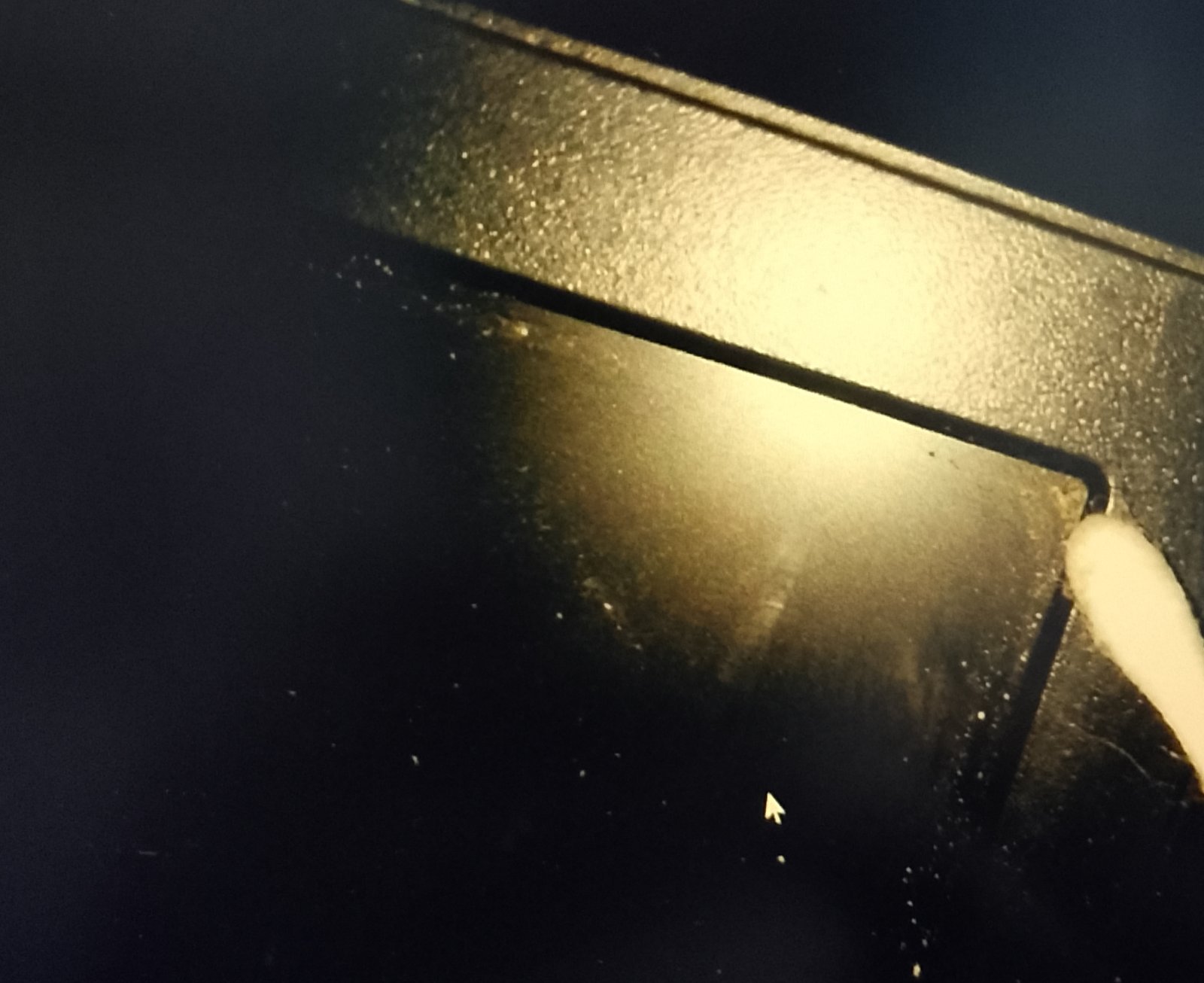
For touchscreen monitors, follow the manufacturer’s instructions because the surface treatment may differ from a standard TV or monitor.
Methods and Products to Avoid
- Direct spraying: Liquid can run behind the bezel or enter ports and vents.
- Paper towels and tissues: They can shed lint and create fine scratches.
- Household glass cleaner: It may contain ammonia, alcohol, fragrance, or surfactants that leave residue or affect coatings.
- Disinfecting or sanitizing wipes: Their ingredients may not be compatible with the display coating.
- Vinegar: Do not use it unless the manufacturer specifically approves it for that model.
- Magic Erasers and abrasive pads: They remove material through abrasion and can permanently alter the finish.
- Compressed air at close range: It can push dust or moisture into seams and vents.
- Scrapers and fingernails: They can scratch the screen or damage its coating.
- Heavy pressure: Pressing can damage pixels, panel layers, or the screen’s surface.
Reality Check: “But I Still See Streaks!”
If a cloudy haze or streak remains, use its behavior to identify the likely cause:
- The streak moves when wiped: The cloth may be damp, oily, or contaminated. Switch to a clean, completely dry microfiber cloth.
- The haze becomes worse after each pass: An older cleaner or soap film may be spreading. Repeat the damp wipe with plain distilled water, then buff immediately. Several light passes are safer than one aggressive pass.
- Fine lint remains: The cloth may be shedding. Allow the screen to dry, then use a different clean microfiber cloth.
- Water beads or forms lines: Too much moisture is being used. Stop, dry the screen, and remist the cloth more lightly.
- The mark stays fixed and looks purple, blue, rainbow-like, or glossy: Stop cleaning. It may be damaged coating rather than residue.
- The display ripples, changes color, or flexes under your hand: Stop pressing immediately. Let the cloth glide over the surface with minimal pressure.
Microfiber cloths washed with fabric softener or dryer sheets may transfer a waxy residue. Rewash them separately with a small amount of plain detergent, use an extra rinse, and air-dry or tumble-dry without fabric softener. If a cloth remains oily or stiff, reserve it for less delicate household cleaning.
Keeping the Screen Clean Longer
- Handle the TV by its frame rather than touching the display.
- Keep a dedicated pair of screen-cleaning cloths in a clean, sealed bag or container.
- Dust the screen lightly before a thick layer builds up.
- Do not burn candles, spray furniture polish, or use aerosol cleaners near the TV.
- Clean the room around the TV regularly so dust is less likely to settle on the panel and vents.
- Keep drinks, plant misters, and humidifiers far enough away that droplets cannot reach the screen.
Frequently Asked Questions
1. Can I use tap water if I boil it first?
No. Boiling does not remove dissolved calcium and magnesium. As water boils away, those minerals remain and may become more concentrated. Use distilled or deionized water when the manufacturer permits damp cleaning.
2. Is it okay to use eyeglass cleaner?
Do not assume it is safe. Eyeglass cleaners vary and may contain alcohol, surfactants, or other ingredients not approved for your TV’s coating. Use one only if the TV manufacturer specifically permits that product or its listed ingredients.
3. How do I remove permanent marker from a screen?
Start with the dry and distilled-water methods above. Do not experiment with alcohol, acetone, adhesive remover, or another solvent unless the TV manufacturer explicitly approves it. If the mark remains, contact the manufacturer or a qualified repair service; attempting to dissolve it may remove the screen coating first.
4. Can I use a Magic Eraser?
No. Magic Erasers are abrasive melamine foam. They can permanently dull, polish, or remove the screen’s surface coating.
5. Why does my screen look purple or blue after cleaning?
A fixed purple, blue, rainbow-like, or uneven patch may indicate damage to an anti-reflective or other surface coating. Stop cleaning and check the TV manufacturer’s support information. Additional rubbing or stronger cleaner is unlikely to help and may enlarge the damaged area.
Everything Mentioned Above
Before you leave, grab the tools you need to get the job done right the first time:
*As an Amazon Associate, TidyFormula earns from qualifying purchases.